10 Python one liners you’ll actually use
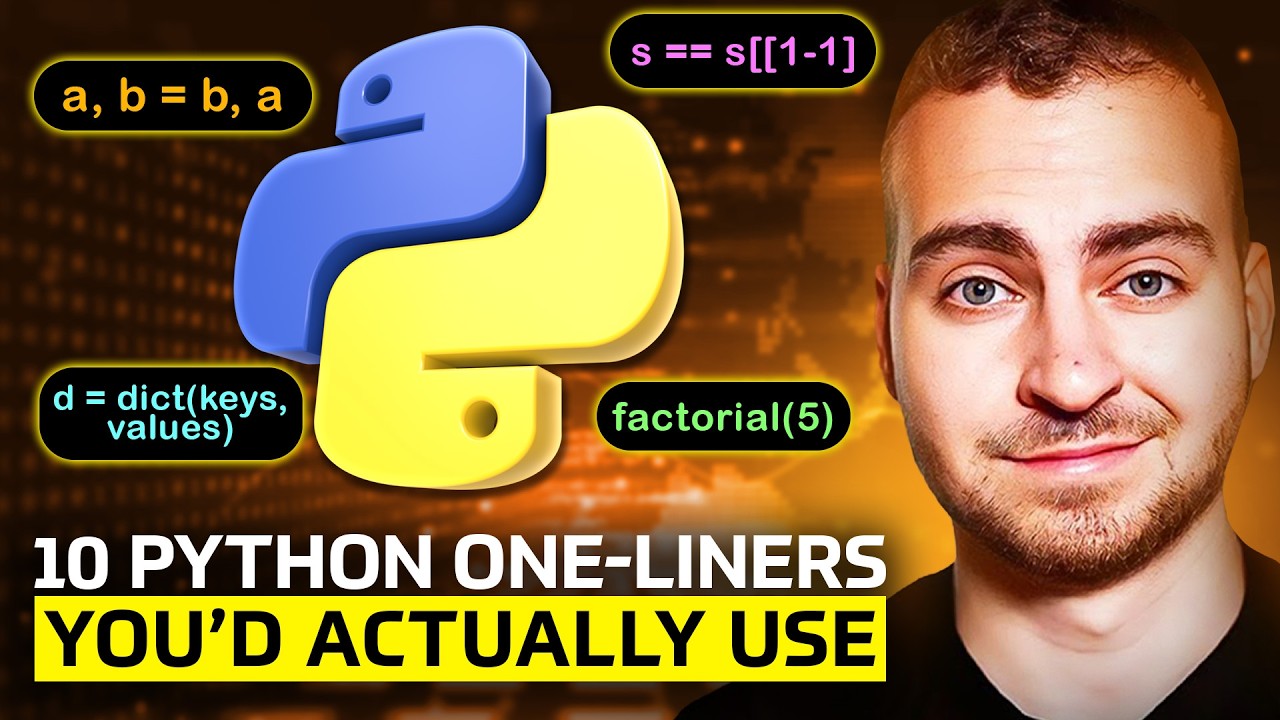
10 Python One Liners You'll Actually Use
Introduction
Python one-liners are short snippets of code that can be incredibly useful when working with data structures, file operations, and more. In this article, we will explore 10 Python one-liners that you can use in your daily coding.
1. Flattening a Nested List
The first one-liner allows you to flatten a nested list using a simple list comprehension:
flattened_list = [item for sublist in nested_list for item in sublist]
This snippet uses two for loops to iterate through the sublists and extract each element.
2. Swapping Variables
The second one-liner allows you to swap two variables or any number of variables in place:
a, b = b, a
This is a concise way to swap values without creating temporary variables.
3. Reading a File into a List of Lines
The third one-liner reads a file into a list of lines using the splitlines() method:
with open('file.txt', 'r') as f:
    lines = f.read().splitlines()
This snippet opens the file, reads its contents, and splits it based on newline characters.
4. Counting Frequencies with Counter
The fourth one-liner uses the Counter class from the collections module to count frequencies of elements in a list:
from collections import Counter
freq = Counter(my_list)
This snippet returns a Counter object that contains all unique elements and their frequencies.
5. Reversing a String or Iterable
The fifth one-liner uses slicing to reverse a string or iterable:
reversed_str = my_str[::-1]
This snippet starts at the beginning, stops at the end, and steps backwards by -1.
6. Conditional Assignment
The sixth one-liner uses conditional assignment to assign a value based on a condition:
result = x if cond else y
This snippet is equivalent to an inline if-else statement.
7. Chain Comparison
The seventh one-liner allows you to write chain comparisons in a more concise way:
a < b < c
This snippet is equivalent to writing (a < b) and (b < c).
8. Creating a Comma-Separated String
The eighth one-liner uses the join() method to create a comma-separated string from a list or iterable:
csv_str = ','.join(map(str, my_list))
This snippet converts each element to a string and joins them with commas.
9. Pretty Printing Nested Structures
The ninth one-liner uses the pprint module to pretty-print nested structures:
import pprint
pprint.pprint(my_json)
This snippet formats the output in a more readable way, especially useful for JSON objects.
10. Easter Egg: Importing Braces from Future Module
The tenth one-liner is an Easter egg that imports the braces module from the future and raises a custom exception:
from __future__ import braces
This snippet is more of a joke, but it's interesting to know about Python's hidden features.
Conclusion
These 10 Python one-liners are sure to make your coding life easier. Whether you're working with data structures, file operations, or just need a quick way to do something, these snippets will be your new best friends.
Want to create posts like this?
This entire article—title, structure, and text—was automatically generated from a video transcript using Matadata.ai.
Stop wasting hours writing show notes and blog posts. Turn your YouTube videos into a content empire in seconds.